Best apps to track cholesterol, compared
All four apps are free to download, and all four can show you how much dietary cholesterol you ate. They differ in how prominent cholesterol is, whether you can set a cholesterol goal for free, and which logging shortcuts sit behind a subscription.
| Feature | Cholesterol Tracker | MyFitnessPal | Cronometer | Lose It! |
|---|---|---|---|---|
| Built for | Dietary cholesterol, first and only | Calories, macros, and fitness | Detailed nutrition: 95+ nutrients | Weight loss and calorie budgets |
| See cholesterol in your daily total | Yes, the main number on the Diary screen | Yes, under Nutrition → Nutrients | Yes, in the nutrient summary | A core nutrient; cholesterol tracking is listed as Premium |
| Set a daily cholesterol goal | Yes | Yes, under Goals → Additional Nutrient Goals | Yes, as a custom target (no default is set) | Premium only |
| Barcode scanning | No; scans nutrition labels instead (Pro) | Premium | Free | Premium |
| Photo meal logging | Pro (Snap Food) | Premium (Meal Scan) | Gold | Premium |
| Food database | Thousands of foods and brands; online search needs Pro | 20.5M+ foods, built with user input; check-marked entries are verified | 1.1M+ curated, verified foods | 60M+ foods; user edits are reviewed before updating |
| Apple Health | Writes dietary cholesterol (Health Connect on Android) | Connects 40+ trackers and health apps; cholesterol export not stated | Syncs with Apple Health; cholesterol export not stated | HealthKit sync listed as Premium |
| Paid tier | Pro | Premium, Premium+ | Gold | Premium |
| Platforms | iPhone, Android | iPhone, Android, web | iPhone, Android, web | iPhone, Android, web |
How we checked:competitor features come from each company's App Store listing and help center as of October 22, 2026. Apps change often, and prices vary by region and offer, so confirm the current details in the App Store before you subscribe. We make Cholesterol Tracker.
Cholesterol Tracker: best if cholesterol is the number you care about
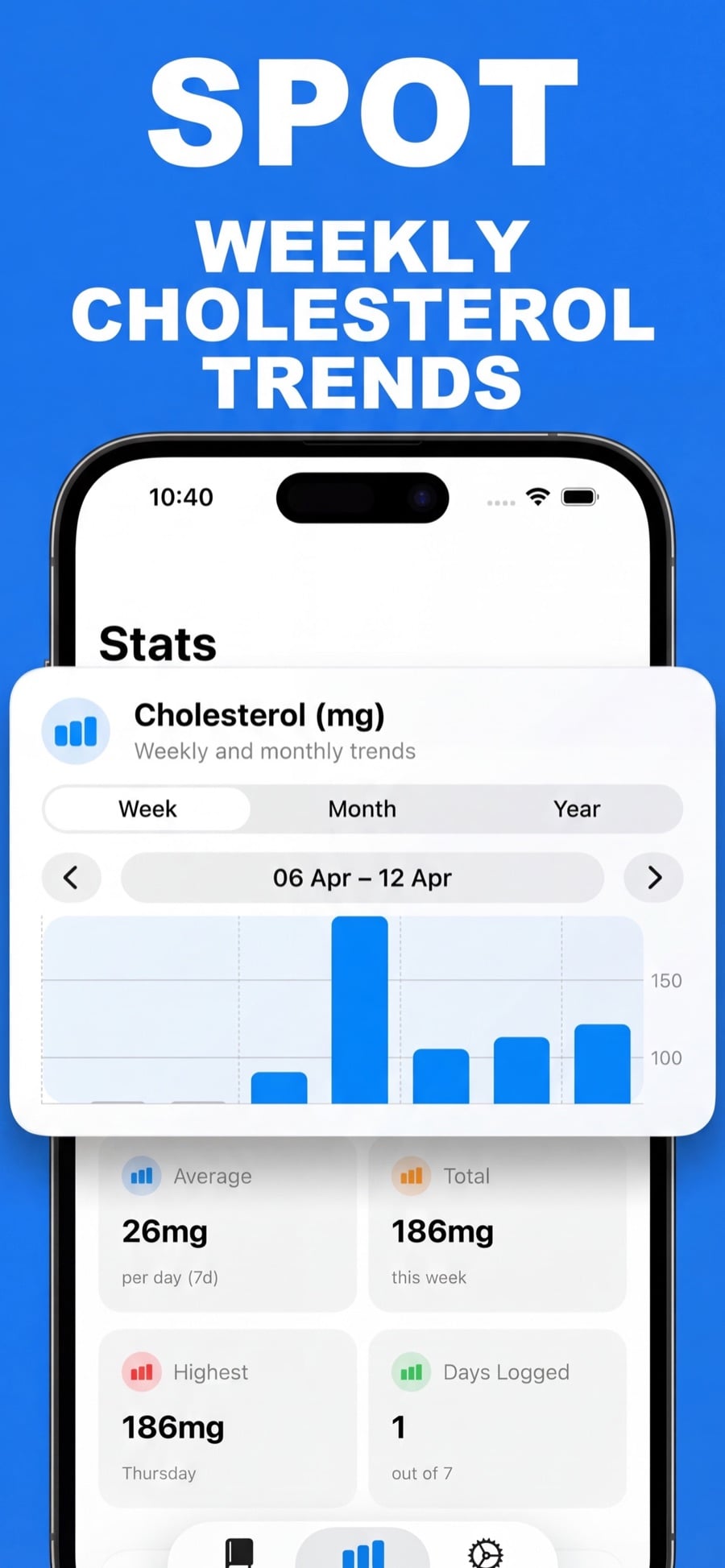
Cholesterol Tracker is the app we build, so weigh this section accordingly. It is the only app here designed around dietary cholesterol. The Diary opens on today's cholesterol total and what remains against your daily goal, and the Stats tab shows weekly, monthly, and yearly trends.
Where it's strong
- Cholesterol is the main number on screen, not a row in a long nutrient list.
- Quick Log lets you enter a food name and a mg amount in seconds when you already know it.
- With Pro, Snap Food estimates a meal from a photo, and you review the result before saving.
- It writes dietary cholesterol to Apple Health on iPhone or Health Connect on Android, if you allow it.
Where it falls short
- Online food database search, Snap Food photo logging, and nutrition-label scanning require Pro.
- There is no barcode scanner, and the food database is far smaller than the big calorie counters'.
- It is not a calorie or macro tracker.
The Cholesterol Tracker help guide walks through every logging method.
MyFitnessPal: best if you already count calories there
MyFitnessPal tracks cholesterol, but you have to go looking for it. According to MyFitnessPal's own guide, your daily cholesterol appears under More → Nutrition → Nutrients. You can set a cholesterol goal under Goals → Additional Nutrient Goals, and the guide does not mark either step as Premium.
The catch is speed. MyFitnessPal's App Store listing puts barcode scanning, Meal Scan photo logging, and voice logging in Premium. Its database is huge, with more than 20.5 million foods, but it was built partly from user input. MyFitnessPal recommends choosing entries with a green check mark for the most reliable data.
If you stay on MyFitnessPal: set the cholesterol goal once, and check the Nutrients screen at the end of each day. Pick check-marked entries or copy the package label so the cholesterol value is reliable.
Cronometer: best free option for detailed nutrient tracking
Cronometer is built for people who want accurate, detailed nutrition data. It tracks more than 95 nutrients from a curated database of over 1.1 million verified foods, and its App Store listing says barcode scanning is free.
Cholesterol is tracked, but Cronometer's help center notes it has no official recommended intake, so there is no default target. You add one yourself under More → Targets → Nutrient Targets by switching the nutrient to Custom. Photo and voice logging require Cronometer Gold.
Cronometer suits you if you also care about fiber, sodium, saturated fat, and micronutrients. The trade-off is a denser interface, where cholesterol is one line among dozens.
Lose It!: best for weight loss, with cholesterol as a Premium extra
Lose It! is a calorie-budget app first. Its help center lists cholesterol among the eight core nutrients you can track, but it also says custom nutrient goals are a Premium feature. Its App Store listing groups cholesterol tracking, the barcode scanner, and photo logging under Premium.
Lose It! does not document cholesterol goals or cholesterol tracking on its free plan. If your main goal is weight loss and cholesterol is secondary, Lose It! Premium covers both in one app.
How to choose a cholesterol tracker app
- You only need cholesterol: a dedicated app keeps the number in front of you. Try Cholesterol Tracker.
- You want many nutrients for free: Cronometer, with a custom cholesterol target.
- You already log calories in MyFitnessPal: add a cholesterol goal there before switching apps.
- Weight loss comes first: Lose It! Premium tracks calories and cholesterol together.
Whichever app you choose, the habit matters more than the features. Log foods as you eat them, check portions, and look at the weekly trend, not single days. For a sense of which foods move the number most, see our chart of foods high in cholesterol, and for targets, our guide to how much cholesterol per day.
Frequently asked questions
Does MyFitnessPal track cholesterol?
Yes. MyFitnessPal shows daily cholesterol under More, then Nutrition, then Nutrients, and lets you set a cholesterol goal under Goals, then Additional Nutrient Goals. Accuracy depends on the food entries you choose; MyFitnessPal recommends entries with a green check mark.
Is there a free app to track cholesterol?
Yes. Cholesterol Tracker, MyFitnessPal, Cronometer, and Lose It! are all free to download. Cronometer's and MyFitnessPal's own guides describe setting a cholesterol goal without marking it as a paid feature, while Lose It! puts custom nutrient goals in Premium. Faster logging tools such as barcode or photo scanning often need a subscription.
Can an app track my blood cholesterol levels?
These apps track the cholesterol in the food you eat, which is different from your blood test results. Cronometer lets you record cholesterol measurements as biometrics to follow trends, and Lose It! lists cholesterol among its health metrics. Cholesterol Tracker does not import or estimate blood cholesterol.
Which cholesterol app has the most accurate food data?
Cronometer emphasizes a curated database of verified foods. MyFitnessPal's database is larger but includes user-contributed entries, so it recommends choosing check-marked ones. In any app, a package's Nutrition Facts label is the most reliable source for that product.
Sources
- MyFitnessPal: How to Monitor Your Nutrient Intake with MyFitnessPal (Feb 2025)
- MyFitnessPal on the App Store
- Cronometer Support: Mobile - Edit Nutrient Targets
- Cronometer Support: Mobile - Add a Biometric
- Cronometer on the App Store
- Lose It! Support: How to Create Nutrient Goals (Aug 2026)
- Lose It! Support: Tracking Nutrients (Jul 2026)
- Lose It! on the App Store
Not medical advice. This article explains dietary cholesterol in food. It does not diagnose or treat any condition. Ask a qualified healthcare professional about your blood cholesterol and personal targets.